Reply once.
Paste everywhere.
QuickReply Pro keeps your entire response library one click from any text field — Gmail, Zendesk, Intercom, anywhere. Click. Paste. Done.




Everything you need.
Nothing you don’t.
Built for support agents, freelancers, and anyone who types the same things over and over — every day.
One-click paste — into anything
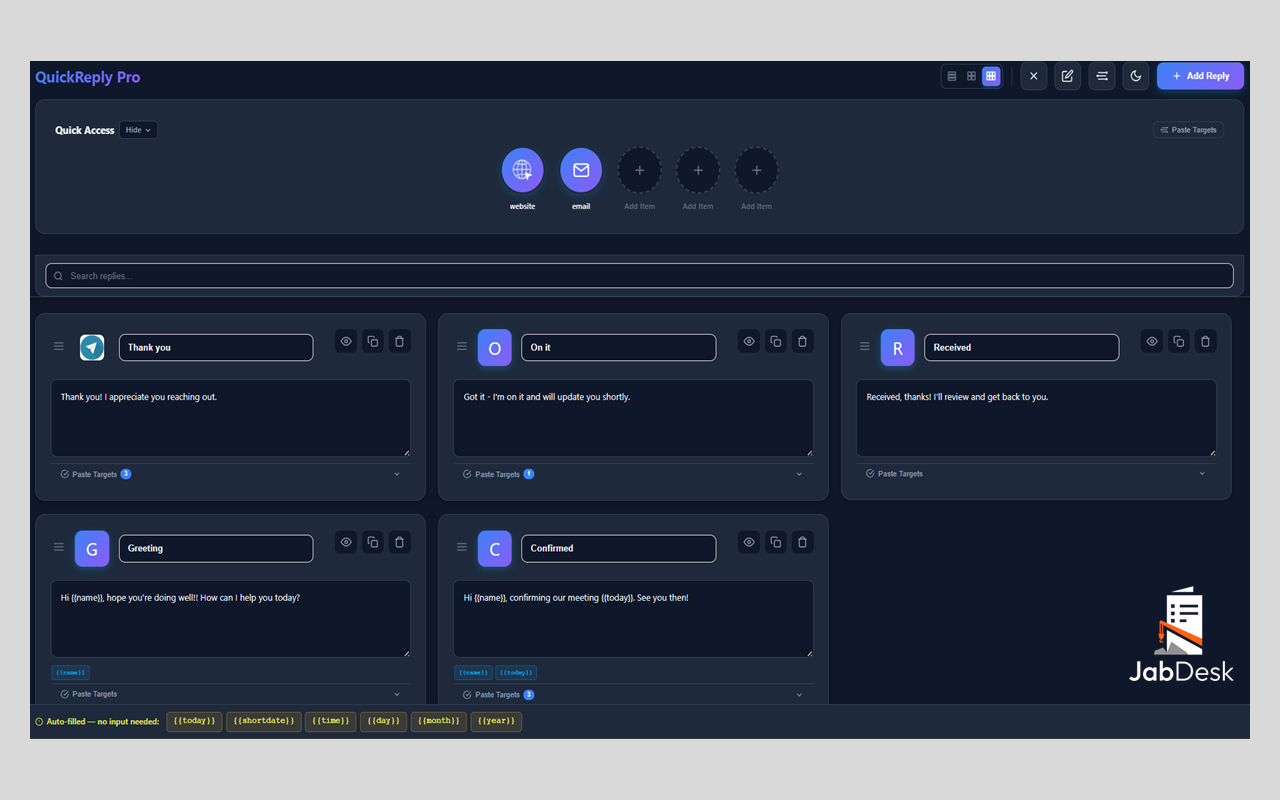
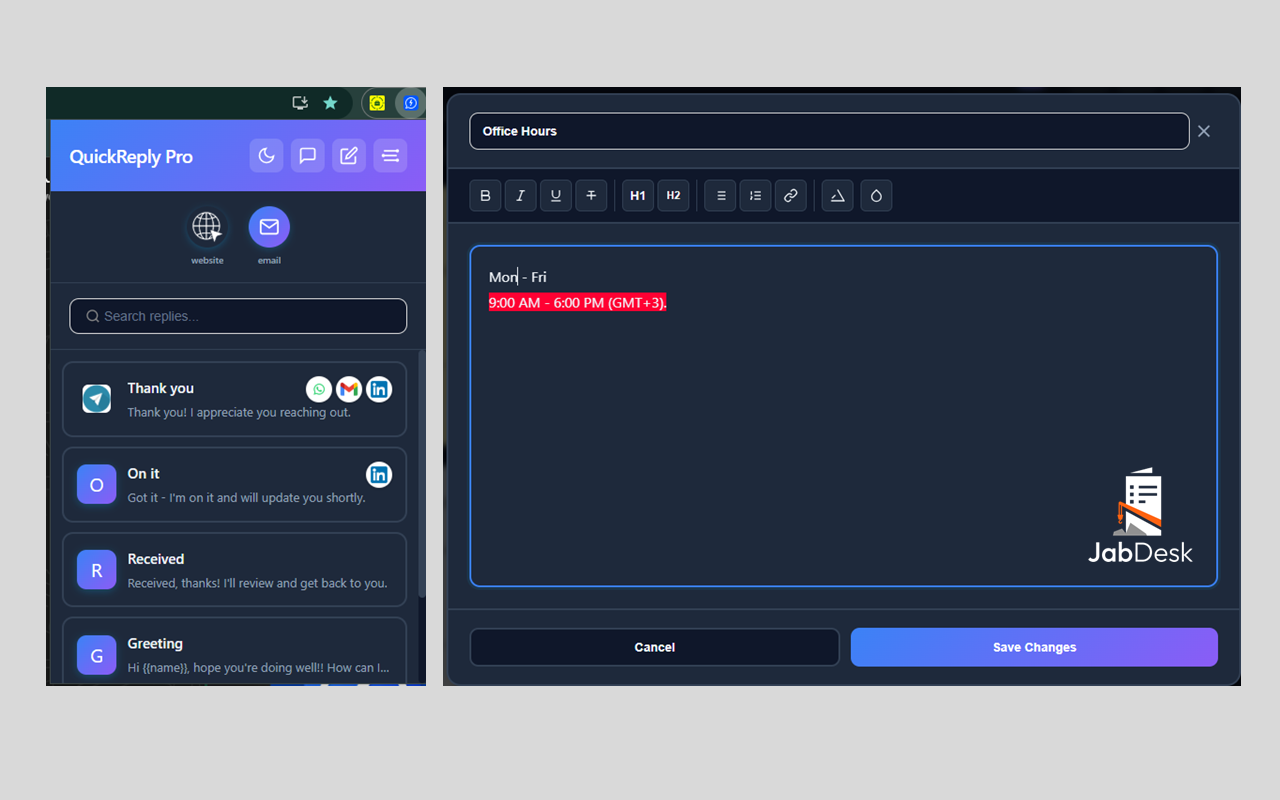
Click a reply in the popup, it instantly pastes into whatever field you’re focused on. Gmail, Zendesk, Intercom, WhatsApp Web. No clipboard juggling. No switching tabs.
Quick Access Bar
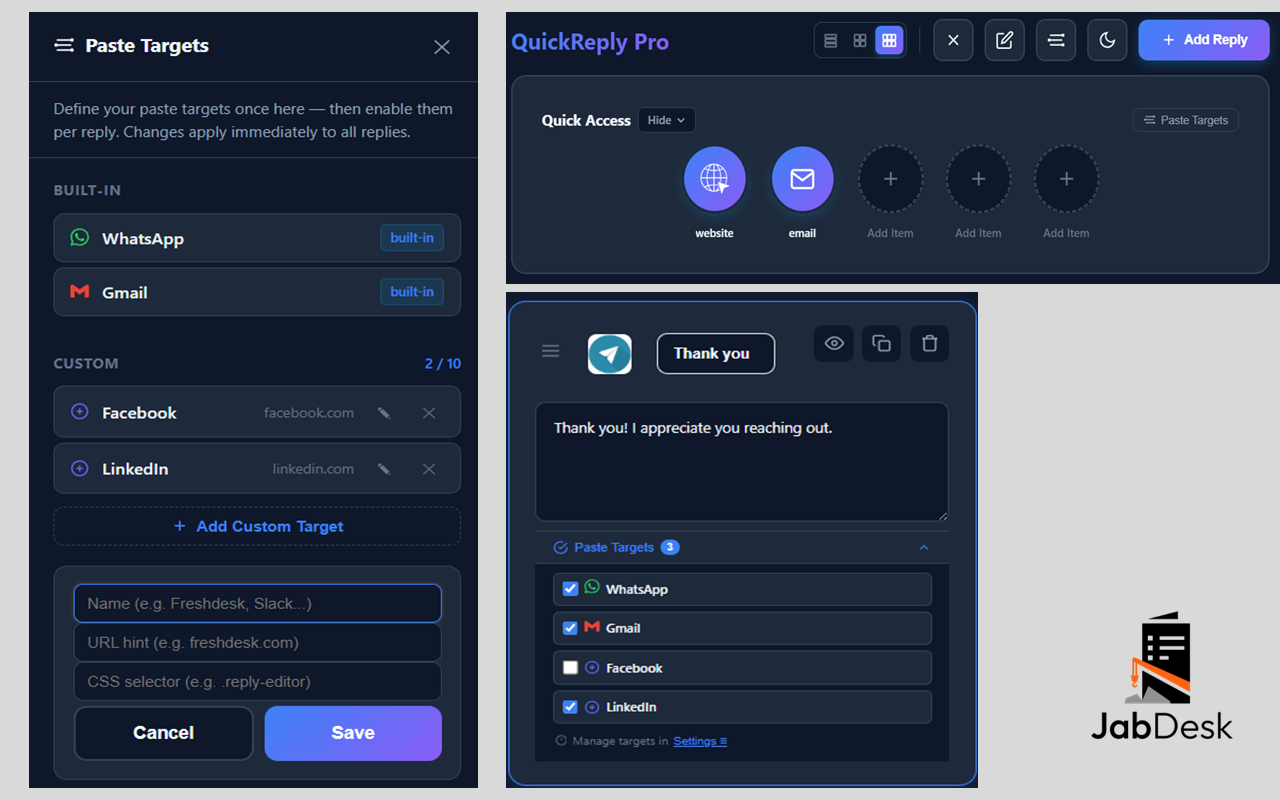
Pin your 5 most-used replies to the top bar. Always one click away — no searching, no scrolling through your full list.
Variables & Placeholders
Use {{name}}, {{today}}, and your own custom variables that fill automatically when you paste. Personalized replies, zero extra effort.
Built-in Notes Workspace
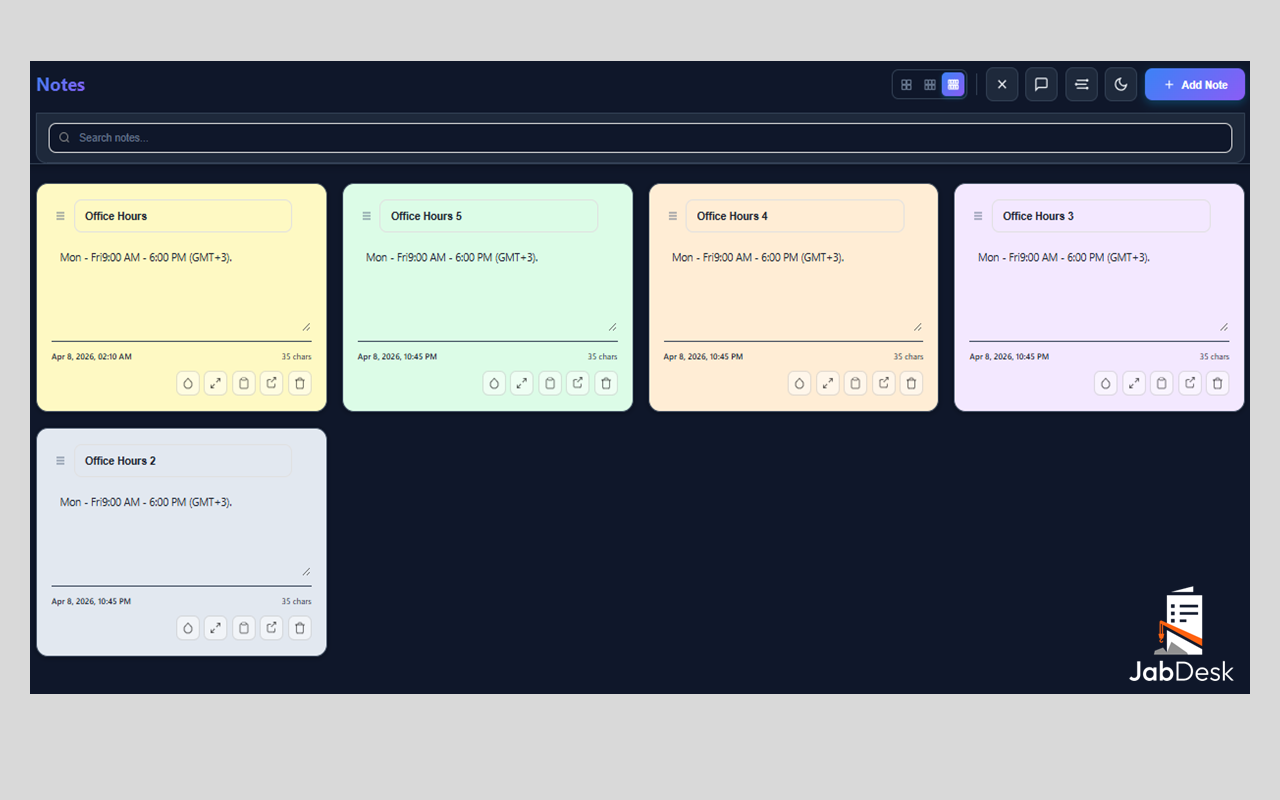
A full notes area with rich formatting, drag-to-reorder cards, search, and multi-column layout. Your personal scratchpad — always open beside your replies.
Instant Search + Custom Icons
Find any reply instantly by title or content. Upload your own icons or use auto-generated initials with gradient backgrounds — identify replies at a glance.
🎯 Target Paste — straight into any field
Assign each reply a specific paste destination. Click the reply, and it fires directly into the right input on the right tab — no clipboard, no focus juggling, no manual clicking. Works with WhatsApp Web, Gmail, and any custom site you configure.
Dark Mode
Full dark theme available with one click from the popup header — easy on the eyes during long support shifts. Your preference is remembered across sessions.
Backup & Restore
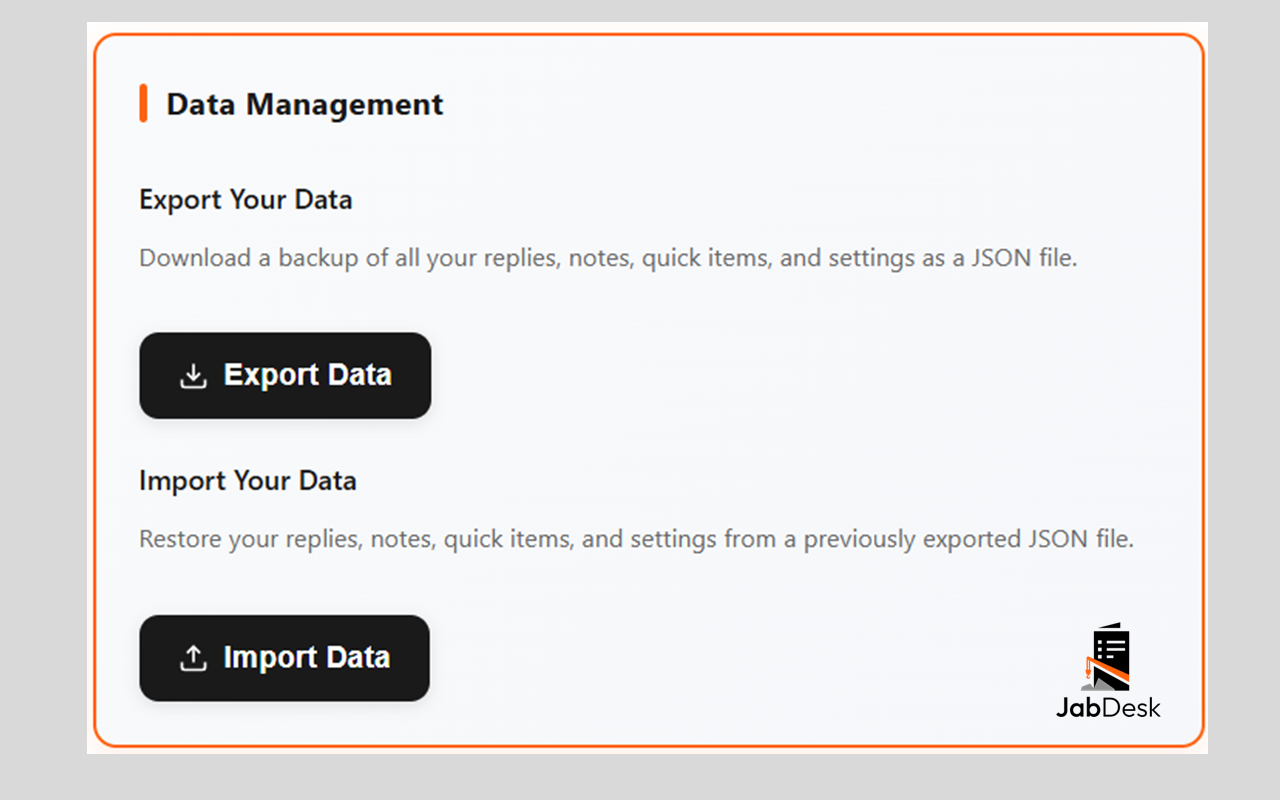
Export your entire library — replies, notes, settings — to a single JSON file. Restore it anytime, or move to a new device in seconds. Your data, always safe.
Up and running in 60 seconds
Install
Add from Chrome, Edge, or Firefox. Works immediately — no account needed.
Build your library
Create replies with titles, icons, and variables. 5 minutes to set up a full library.
Open your tool
Go to Gmail, Zendesk, Intercom — wherever you work. Click into a text field.
Click. Paste. Done.
Open the popup, tap a reply, it pastes instantly. Close the ticket. Move on.
See it in action
Watch how it works
A quick walkthrough of QuickReply Pro — from installation to your first paste in 60 seconds.
Pay once. No subscriptions.
One-time payment per period. No auto-renewal. No surprises.
- Try it, see if it fits
- Unlimited saved replies
- One-click paste anywhere
- Quick Access bar (pin 6 replies)
- Variables & placeholders
- Notes workspace
- Dark mode
- Email support
 5.99 USDT
3 months access
Scan with Binance App
5.99 USDT
3 months access
Scan with Binance AppForward receipt to
support@jabdesk.com ── OR PAY BY CARD ── Pay by Card / Other Method Secured by PayPal · Cards accepted
- Everything in 3-month, plus:
- Save $2 vs two 3-month plans
- Priority email support
- Early access to new features
- Free upgrade if we raise prices
 9.99 USDT
6 months access
Scan with Binance App
9.99 USDT
6 months access
Scan with Binance AppForward receipt to
support@jabdesk.com ── OR PAY BY CARD ── Pay by Card / Other Method Secured by PayPal · Cards accepted
- Everything in 6-month, plus:
- Best value — 2 months free vs 3-mo
- Top-priority support
- Locked-in price for the full year
- First to get major updates
 19.99 USDT
12 months access
Scan with Binance App
19.99 USDT
12 months access
Scan with Binance AppForward receipt to
support@jabdesk.com ── OR PAY BY CARD ── Pay by Card / Other Method Secured by PayPal · Cards accepted
🎁 15-day free trial — no card needed
Full access from day one. After the trial, choose a plan and email support@JabDesk.com with your order confirmation to activate. Licenses are activated within 2 hours — you’ll receive a confirmation email once it’s done.
⭐ Enjoying QuickReply Pro? A quick review on the Chrome Web Store helps others find it.
Frequently asked questions
Does it work on Firefox and Edge — not just Chrome?
Yes. QuickReply Pro is fully available on Chrome, Firefox, and Edge. All features — paste targets, variables, notes, dark mode — work across all browsers. Opera support is coming soon.
What happens when my 15-day trial ends?
The extension will stop working until you activate a paid plan. Your replies, notes, and settings are safely stored — nothing is deleted. Choose a plan from the pricing section, email your receipt to support@jabdesk.com, and your license will be activated within 2 hours.
Can I use it on multiple computers?
Each license is for one browser on one device. If you need to switch to a new machine, contact us at support@jabdesk.com and we’ll transfer your license. You can also export your full library (replies, notes, settings) as a backup file and import it on any device.
Is my data private? Can you read my replies?
Yes, completely. All your replies and notes are stored locally on your own device using your browser’s storage. They never leave your machine. We have no server, no database, and no way to access your content.
Does it work on WhatsApp Web, Gmail, Slack, and Zendesk?
Yes — and on virtually any web-based text field. Paste Targets let you assign a reply to a specific tab (e.g. your WhatsApp Web tab or Gmail compose window) so that one click pastes directly there without any manual switching or copying.
Is this a subscription or a one-time payment?
One-time payment per period — no auto-renewal, no surprises. You pay once for 3, 6, or 12 months of access. When your period ends, you simply renew if you want to continue. No card is charged automatically.
What payment methods do you accept?
We accept credit/debit cards and PayPal through our secure PayPal checkout. We also accept USDT crypto payments via Binance Pay for users who prefer that option.
Your data never leaves your device
Local storage only
Replies and notes stored on your machine. Never on our servers.
No data collection
We don’t read, store, or transmit your content or personal data.
Minimal permissions
Only the permissions strictly required to paste text into web pages.
Secure checkout
Pay with your card or crypto. Your payment info is never stored by us.
Your best reply is
one click away.
Stop retyping. Start closing. Join support agents and freelancers who reply faster every day with QuickReply Pro.